05 / 11
Browser Extension
JiraQuickLogger
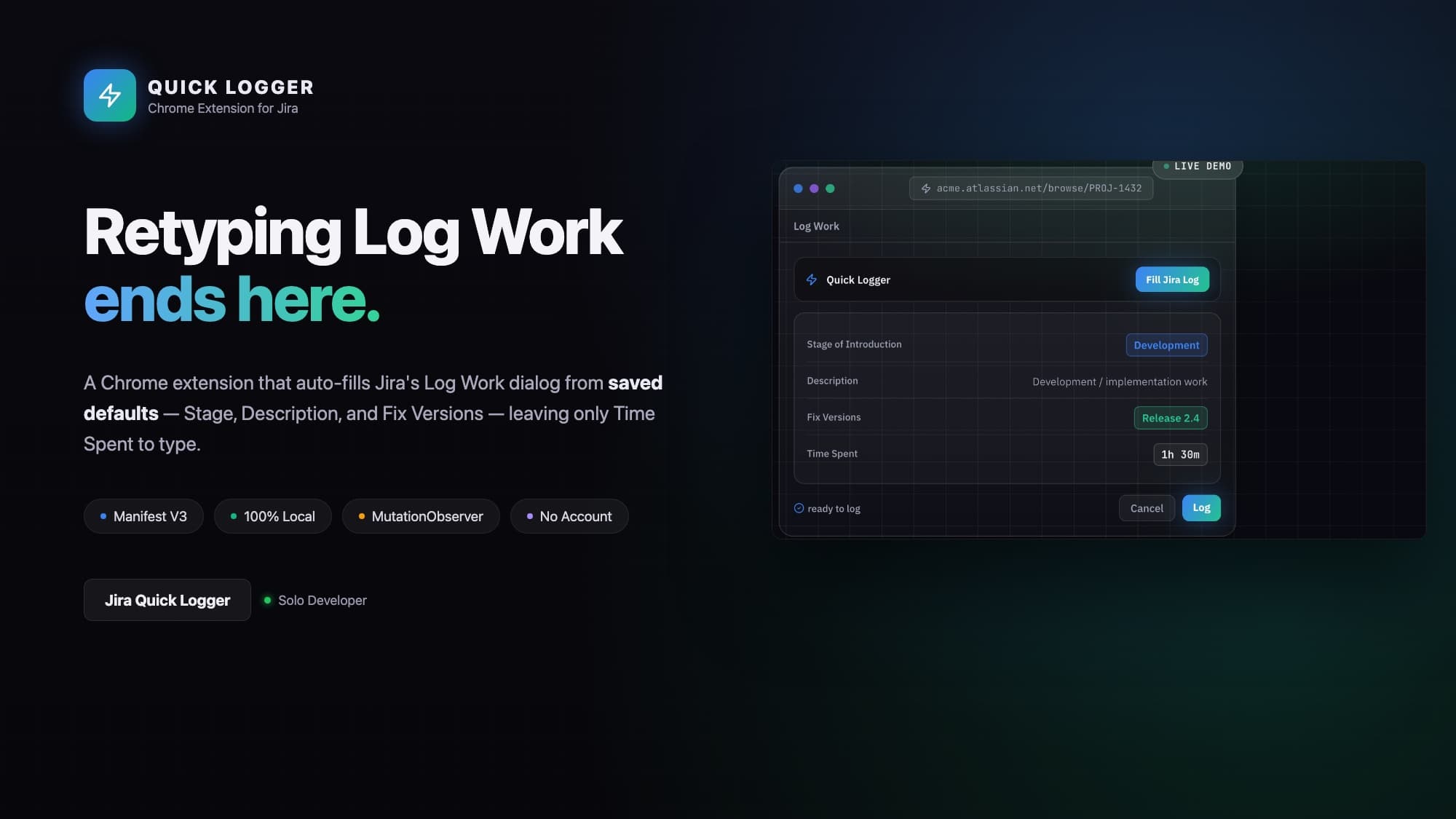
Stop retyping the same three fields on every Jira worklog.
- ROLE
- Full-stack developer, solo project
- BUILT FOR
- Personal tool / portfolio piece for developers who log time in Jira daily
- STACK
- Vanilla JavaScript, HTML, CSS — no build step, no frameworks, no dependencies
- PLATFORM
- Chrome extension, Manifest V3
THE PROBLEM
Jira's Log Work dialog asks for several fields every single time you log time against an issue, but for most people on most tickets, two or three of those fields are always the same value: the same Stage of Introduction (say, "Coding"), the same Description ("Fixed"), the same Fix Version. Only Time Spent actually changes per entry. Filling the repeated fields by hand, dozens of times a week, is pure friction — small, but constant.
The obvious bad fix is a userscript that reimplements Jira's form or submits on the extension's behalf. That's fragile: Jira's issue-view DOM shifts between versions, themes, and Atlaskit component updates, and anything that bypasses Jira's own form risks submitting malformed worklogs or breaking silently on an update.
THE IDEA
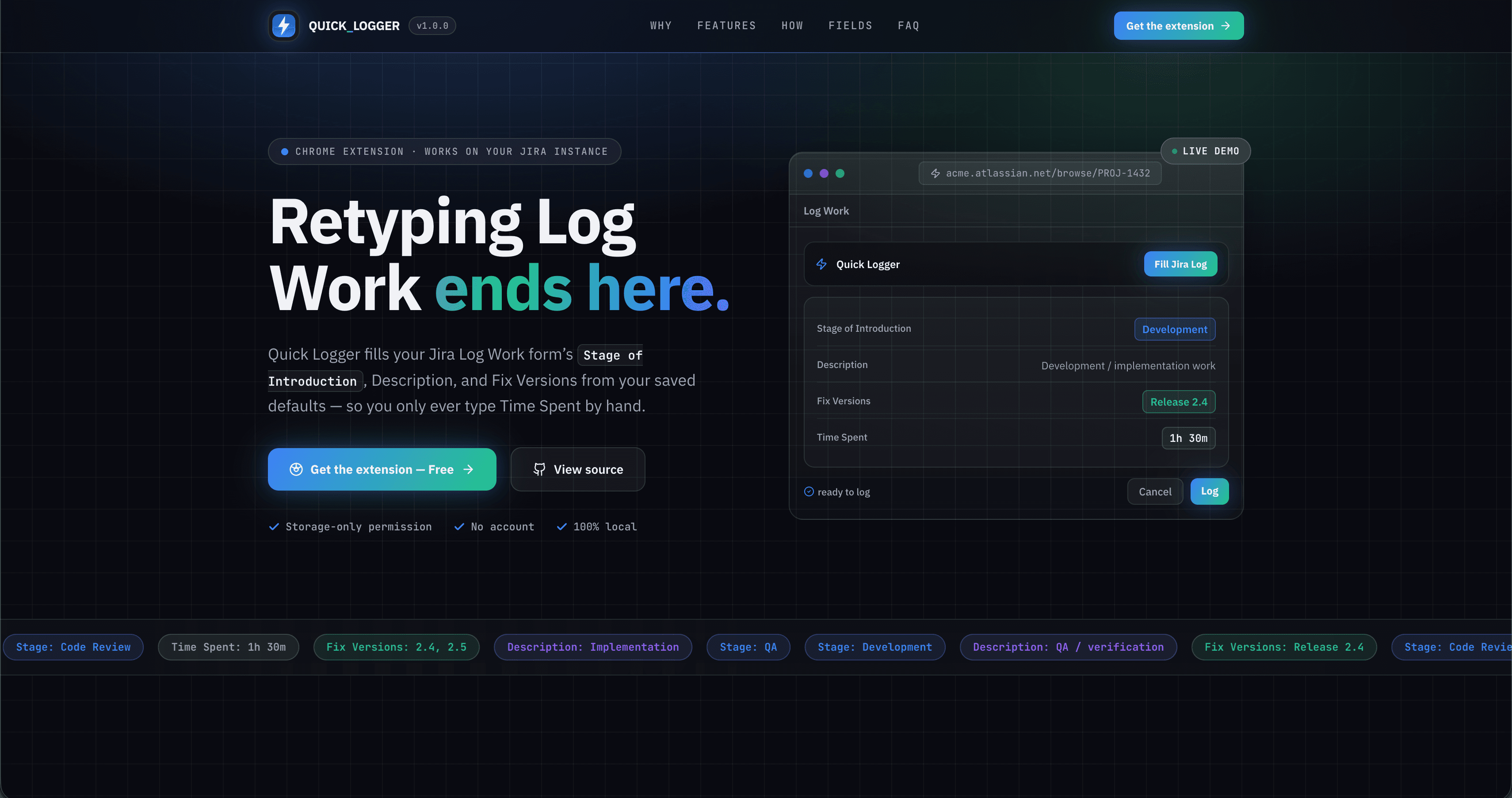
Don't reimplement the form — find it and fill it. The extension detects Jira's real Log Work dialog wherever and whenever it appears, locates the real inputs by their visible label text (not CSS classes, which change across versions), and fills them using the same native value-setting path a user's keystrokes would take.
Time Spent is left completely alone — it's the one field that actually varies, and the one field Jira already validates.
WHAT IT DOES
01
Auto-fill on Jira's real Log Work dialog
A content script watches the DOM with a MutationObserver and looks for a label matching "Time Spent" — the one field guaranteed to exist on every Jira Log Work form — then walks up to the enclosing dialog. Inside that container it locates Stage of Introduction, Description, and Fix Versions the same way: by label text, never by hardcoded selectors. A small injected "Fill Jira Log" panel applies the saved defaults on click; auto-fill can be toggled off entirely from the toolbar popup.
HOW IT WORKS
Jira page (*.atlassian.net)
        │
        ▼
content.js (MV3 content script, document_idle)
        │
        ├─ MutationObserver watches DOM for changes
        ├─ finds "Time Spent" label → walks up to dialog
        ├─ finds Stage / Description / Fix Versions by label text
        ├─ reads settings ── chrome.storage.sync ◄── options.js / popup.js
        ├─ injects panel + "Fill Jira Log" button into the dialog
        └─ on click: sets native inputs/selects, dispatches input/change events
                │
                ▼
        Jira's own form validates and submits the worklog normally
Label-text matching, not CSS selectors
Jira's markup/class names change across versions and themes, but the human-facing labels ("Time Spent", "Description", "Fix Version/s") are comparatively stable, so anchoring detection there is meant to survive Jira upgrades without a code change.
Native-input-safe field filling
Filling a React-controlled input isn't as simple as setting .value — React's synthetic event system won't notice. The content script sets values through the native property setter and dispatches real input/change events. Text-driven combobox pickers (multi-value Fix Versions) are handled differently: each configured version is typed in and the matching suggestion is clicked, once per value.
Settings synced via chrome.storage.sync
An options page lets the user set Stage of Introduction, Description, Fix Versions and a build version string, stored with chrome.storage.sync so they follow the user across any Chrome instance signed into their Google account — no server, no account system of its own.
Permission-minimal by design
The manifest requests only storage and host access to *.atlassian.net, with no scripting, no background service worker, and no network permissions at all — everything the extension needs is either on the page already or in chrome.storage.sync.
CHALLENGES AND WHAT I LEARNED
No live target environment
This was built without access to a real Jira instance's live DOM, which is why detection is label-text-based rather than tuned to one specific markup snapshot — a deliberate hedge against not being able to verify against the real thing. Atlaskit's newer chip-based multi-select Fix Versions picker in issue-view is a flagged risk area that still needs real-world testing.
Controlled-input filling
Getting values into React-controlled fields reliably (native setter + dispatched events, rather than a naive .value =) is a small but easy-to-get-wrong detail that shows up as "the button clicked but nothing filled" if skipped.
Avoiding duplicate UI across re-renders
Jira's SPA navigation and modal re-mounts meant the MutationObserver needed an idempotency guard (checking for an existing panel by id) so repeated DOM churn doesn't stack multiple panels.
RESULTS
Ships as an unpacked Manifest V3 Chrome extension — no backend, no build tooling, no third-party dependencies.
Requests only two permissions: storage and host access scoped to *.atlassian.net.
All user data lives in chrome.storage.sync; no network requests and no analytics.
Ships a documented manual test checklist covering fill correctness, re-detection across navigation, and the auto-fill toggle.
STACK
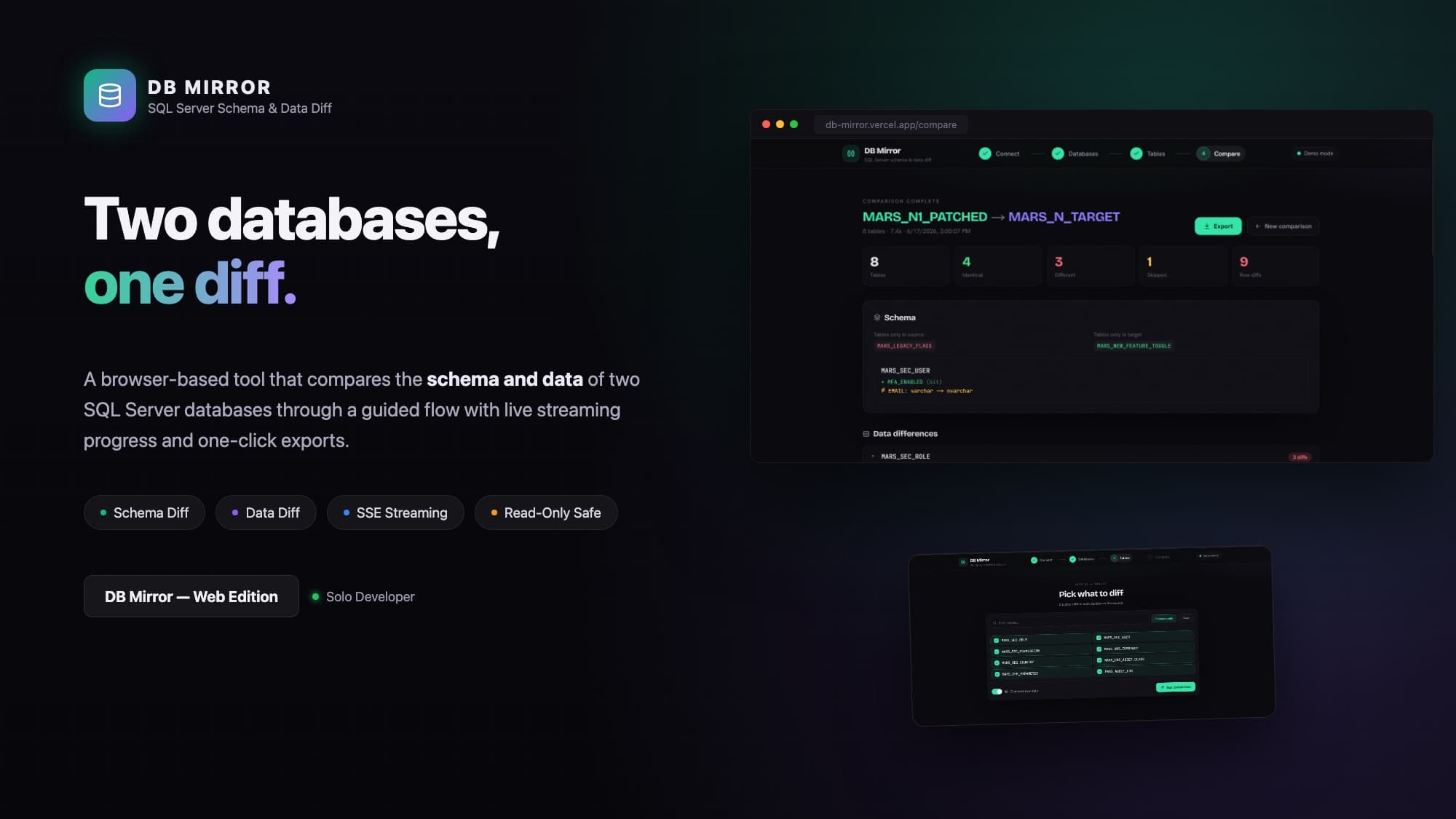
NEXT PROJECT
DB Mirror — Web Edition
05 / CONTACT


